A real design editor, right where you work
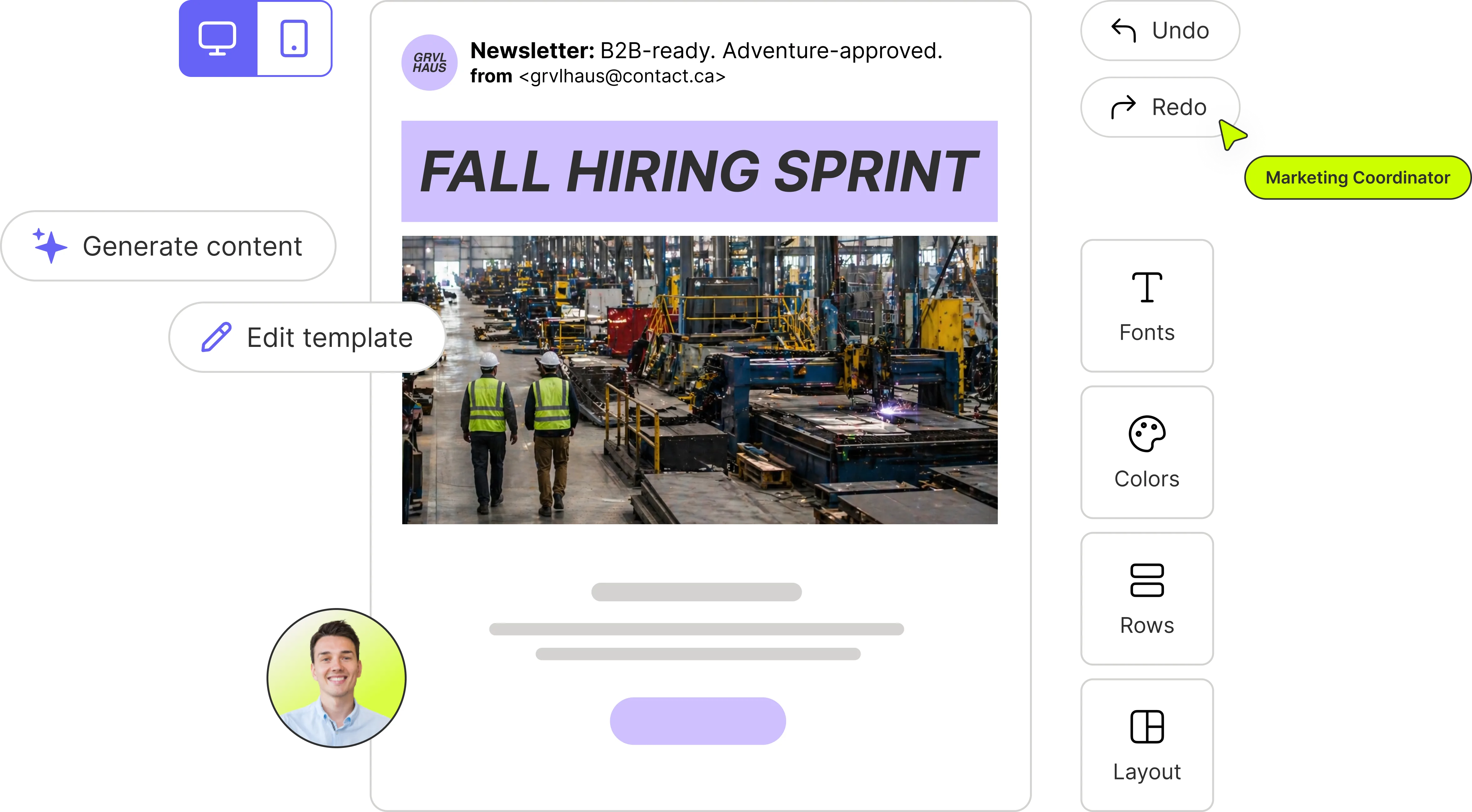
Edit the image without leaving the plan
The editor opens on the piece of content you're working on, so a change to the visual never means a round trip through a separate app and back.
- Open any image straight from the content it belongs to
- Work in layers with text, shapes and imagery
- Change your mind freely — nothing is destructive
Businesses across North America use Glowtify to get seen.


Everything a marketing visual actually needs
Layers, text and shapes
Build a visual properly: stack imagery, set type, add shapes and arrange the composition.
Your brand, applied
Your colours, fonts and logo are already there, and you can preview a design against your brand before it goes out.
A template library
Start from a layout that already works rather than an empty canvas, then make it yours.
Tagged, reusable assets
Finished visuals are tagged and stay in your library, so the next campaign starts ahead.
Straight out the door
Export it, or send it to the channels you've connected without a download in between.
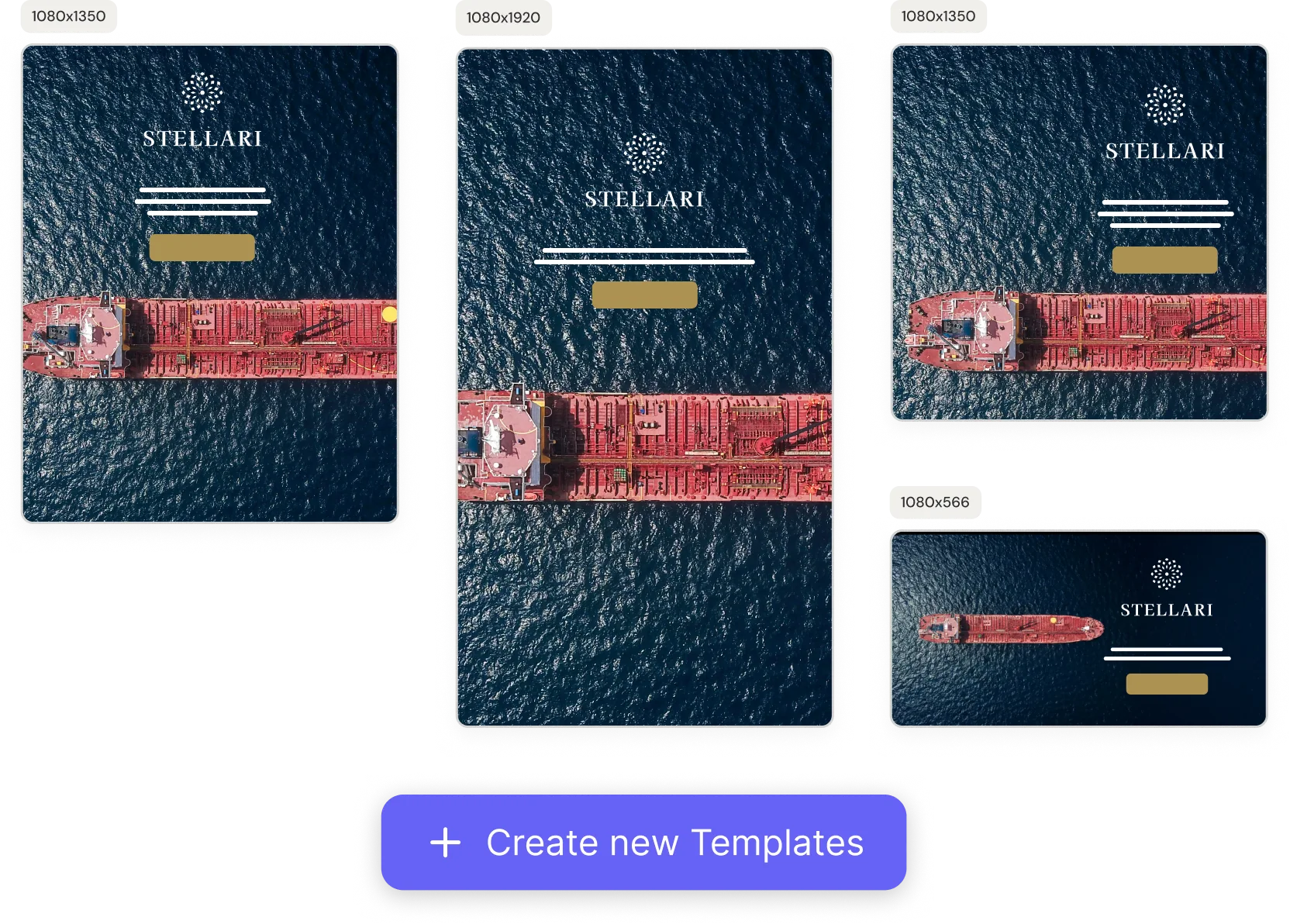
Start from something that already works
A blank canvas is the slowest part of design. Pick a template, swap in your message, and the brand styling is already handled.
- A library of layouts for social, email and ads
- Your brand applied the moment you open one
- Adapt a single design into the variants each channel needs
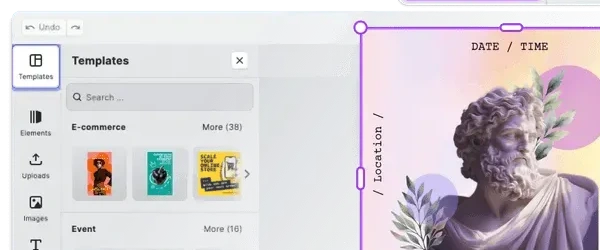
Browse layouts without leaving the canvas
The template panel sits beside your design, grouped by what you're promoting — storefront, event, seasonal. Open one and it lands on the canvas you're already working on.
- Layouts grouped by the kind of post you're making
- The panel stays open while you edit
- Change layout mid-design without starting over
Layouts that hold their shape
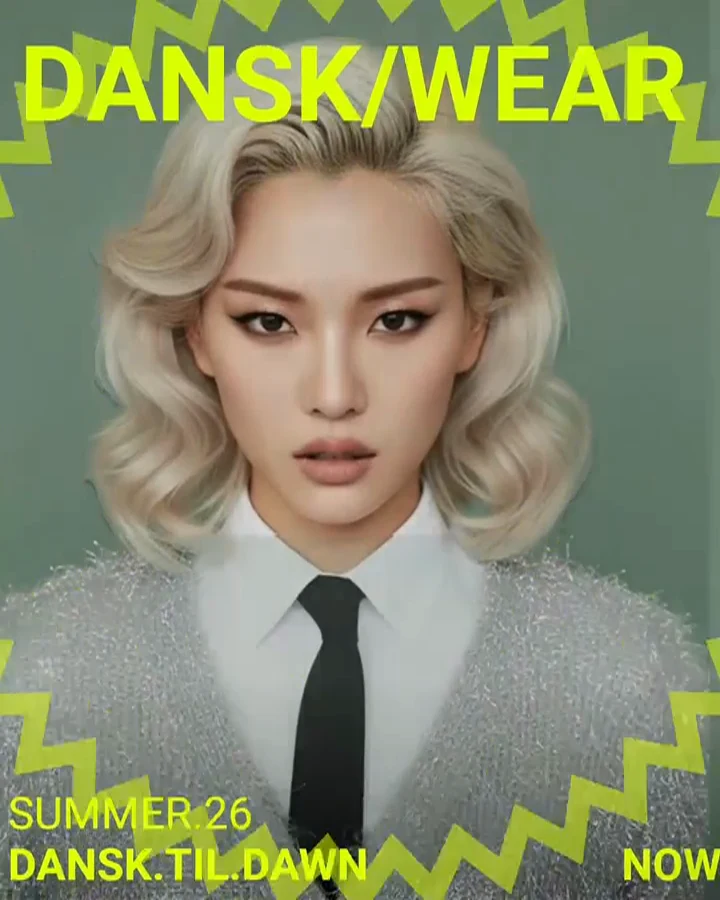
Ready-made templates with placeholders and lockable layouts. Drop your product and your copy into the slots — the design holds while the content changes.
- Ready-made templates for the campaigns you actually run
- Placeholders that show exactly where each piece goes
- Lock a layout so the structure survives every edit
One design, every size you need
One-click presets for the social, web and print sizes your channels expect. Resize once and the layout re-flows to fit instead of breaking.
- Presets for every major social format
- Web and print product sizes included
- Type and images re-flow to fit the new frame
Three steps, no handoff
Start from a template or your own image
Open the editor from the content you're building, or drop in a photo from the field.
Make it yours
Edit the layers, set the copy, and let your brand styling apply itself as you go.
Publish or export
Send it to a connected channel or export the file — the visual stays attached to the campaign either way.
Questions about the editor
What it can do, and where it fits with the tools you already use.
No. Most people start from a template, replace the words and the image, and are done. The layout and brand styling are already handled.
Yes. Your colours, fonts and logo come from your brand setup in Glowtify, and you can preview any design against them before publishing.
For everyday marketing visuals, usually yes — that's the point of having it inside Glowtify. For complex brand work your designers will still want their own software, and finished designs can come in from Canva.
Yes. A design can be adapted into the formats different platforms expect, so you're not rebuilding the same visual once per channel.
Yes. Connect Canva and pull finished designs in, then keep editing them in Glowtify alongside the rest of the campaign.
Stop bouncing between tools to finish a post
Plan it, design it and publish it in the same place.